Industries · Healthcare & Hospitals
Patient meal ordering and tray tracking, on one platform
Every patient meal ordered at the bedside, matched to the diet the medical team set, labelled, scanned from the kitchen to the bed and back, and proven in the reports. For hospitals, and for the operators who feed them.
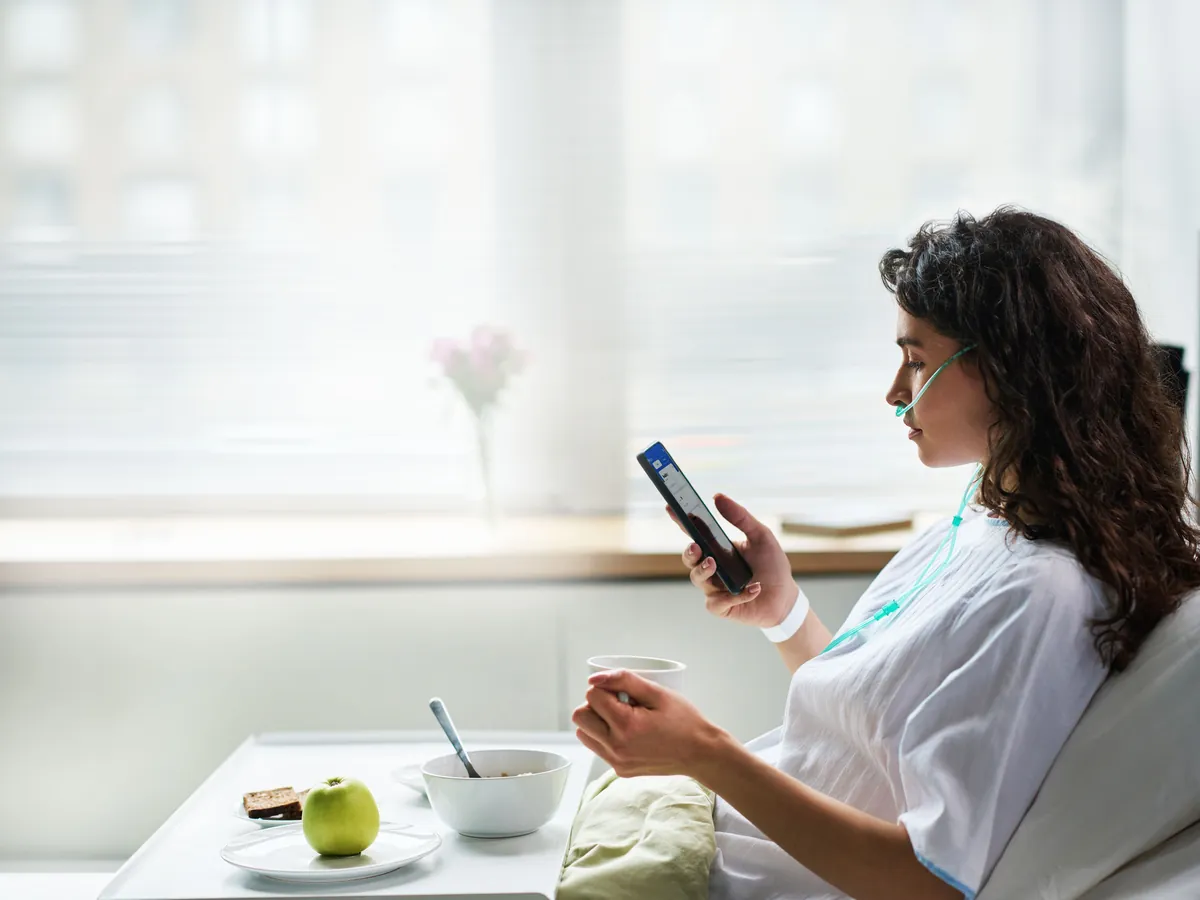
One lunch, the way it goes today
The diet changed at ten. The tray didn't know.
One patient, one lunch, on paper and phone calls. Every step is done by someone careful. The information still arrives late.
9:30 amTickets printed
The kitchen prints the day's tickets from the morning list. Room 412: regular diet.
10:05 amThe diet changes
The round moves 412 to a diabetic diet. It is in the hospital system; the tickets are printed.
12:10 pmThe tray goes up
The tray line builds 412's tray from the ticket: regular. The trolley leaves.
12:40 pmThe nurse stops it
At the bed, the nurse reads the label and sends the tray back. A call, a second tray, forty minutes later.
1:30 pmNo record
The patient ate late. Nobody can say later which trays went wrong this week, or why.
The change was in the system at 10:05. It reached the tray at 12:40, by a nurse's eyes. Medulink makes the system reach the tray.
Every order, one queue
Five ways an order arrives. One queue with the patient's context.
Patients, nurses, the dining team and the hospital's own system all feed one queue. Every order carries the diet, the allergies, the room and the instructions.
The patient
From the bed, on a phone or the ward tablet: suitable meals only.
The nurse
Takes or corrects the order at the bedside, with the record open.
The dining experience team
Takes orders bed by bed, business-class style, with each patient's diet in hand.
The hospital system
Admissions, diet orders and room moves come from the HIS by integration.
A file
Without integration, the day's orders come from a CSV export, mapped and checked.
One order queue
Every order, whoever placed it, with the diet, allergies, room and instructions. Companions and staff meals too.
The hospital kitchen
For the patient
Business class at every bed
The patient sees only what suits them, chooses what they like, and rates what they ate, from an app, a tablet or a visit to the bed.
Meal type by diet
Their preferred type within the diet plan; VIP patients get more choice.
Sensitivities, confirmed
From the medical record, reviewed by the patient before the first order.
Suitable meals only, with sides
Each with a photo, ingredients and calories, plus the sides the diet allows.
A rating after every meal
Taste, quality and service, for the hospital and the operator to see.

Tray tracking
Every tray, scanned at every step
A barcode makes each tray the patient's tray, and Medulink's handheld app scans it at every step, out and back: no tray leaves without a scan, and none comes back without one.
Receive and label
Patient, room, diet and allergies on a barcode label, tied to one tray.
Prepare and dispatch
Built from the label, then scanned out on the trolley, bound for its ward.
Deliver at the bedside
Scanned at the bed: the right patient, the right diet, confirmed.
Collect
Scanned back in. The order closes with a full trail.
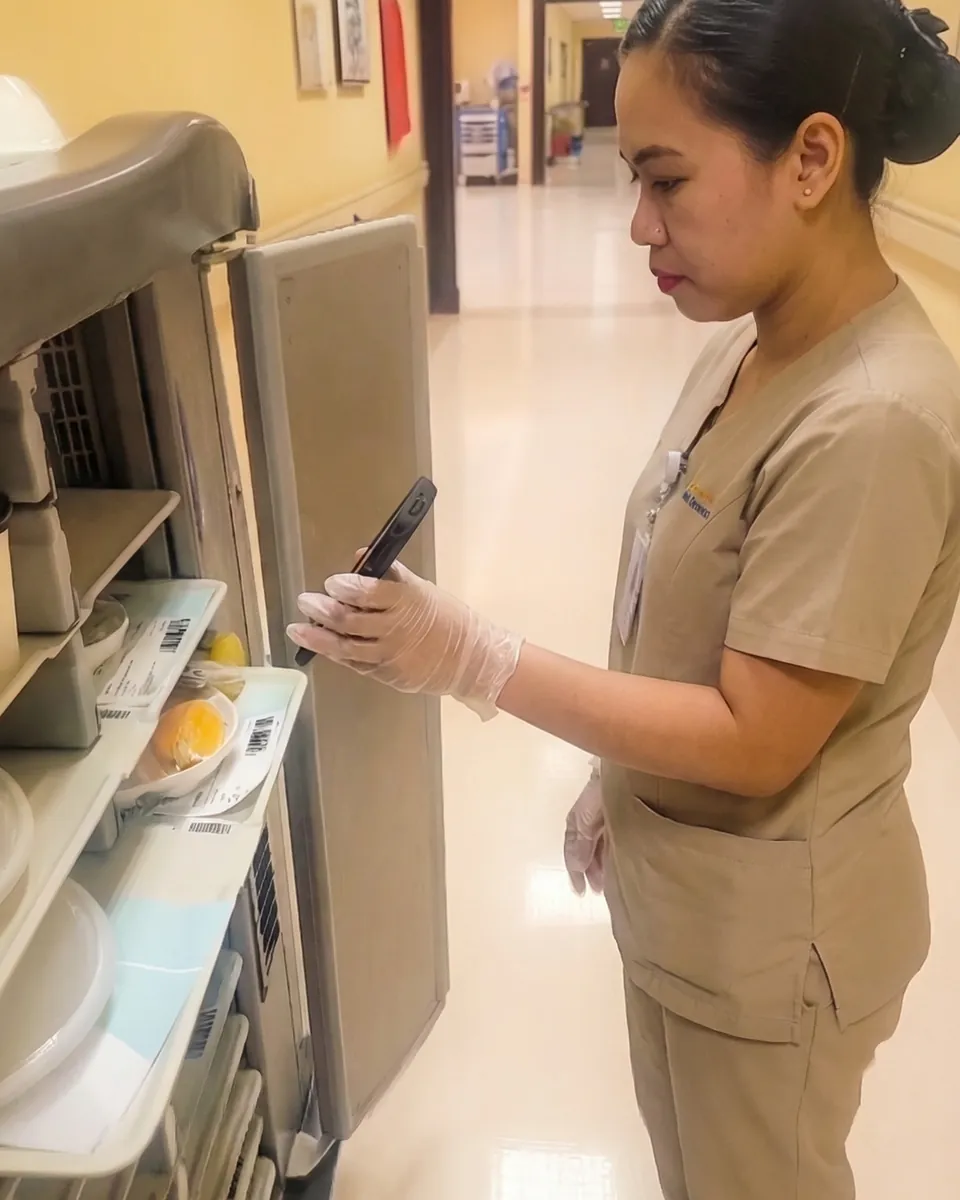
In the kitchen
The kitchen sees what to do next
No paper tickets. The kitchen display, the labels and the trolleys run from the same orders the ward sees.
Kitchen display
Orders by meal type, priority and status, the oldest pending first, and the trays ready to dispatch.
Labels and packaging cards
Printed in batches from the queue: the patient's details, the diet, the allergies and the barcode.
Delivery units
Every trolley with its barcode, its location, its trays and its status: available, dispatched or back.
Floors, wards and rooms
The hospital's delivery addresses, so each tray is routed to its bed.
Workflows
The steps a tray goes through, defined once and applied to every order.
Patient records
Patients, placements, allergies and diets, synced from the hospital or imported, linked to their orders.
Quality and safety
Food safety, logged every day
The quality team records what the standards ask for, on a phone, unit by unit. Management sees it on one dashboard, across every hospital.
Monitor
- Chiller, freezer and trolley temperatures
- Room humidity and thermometer calibration
- Pest traps and food samples
Log
- Checklists per branch and unit, on a phone
- Each result compliant or not, with a severity: minor, major or critical
- Observations and photos with the entry
Act
- Corrective actions tracked to closure
- QC rounds, daily cleaning and food safety management reports
- Compliance, pending items and critical issues on one screen
An auditor's question gets a dated answer, not a search through binders.
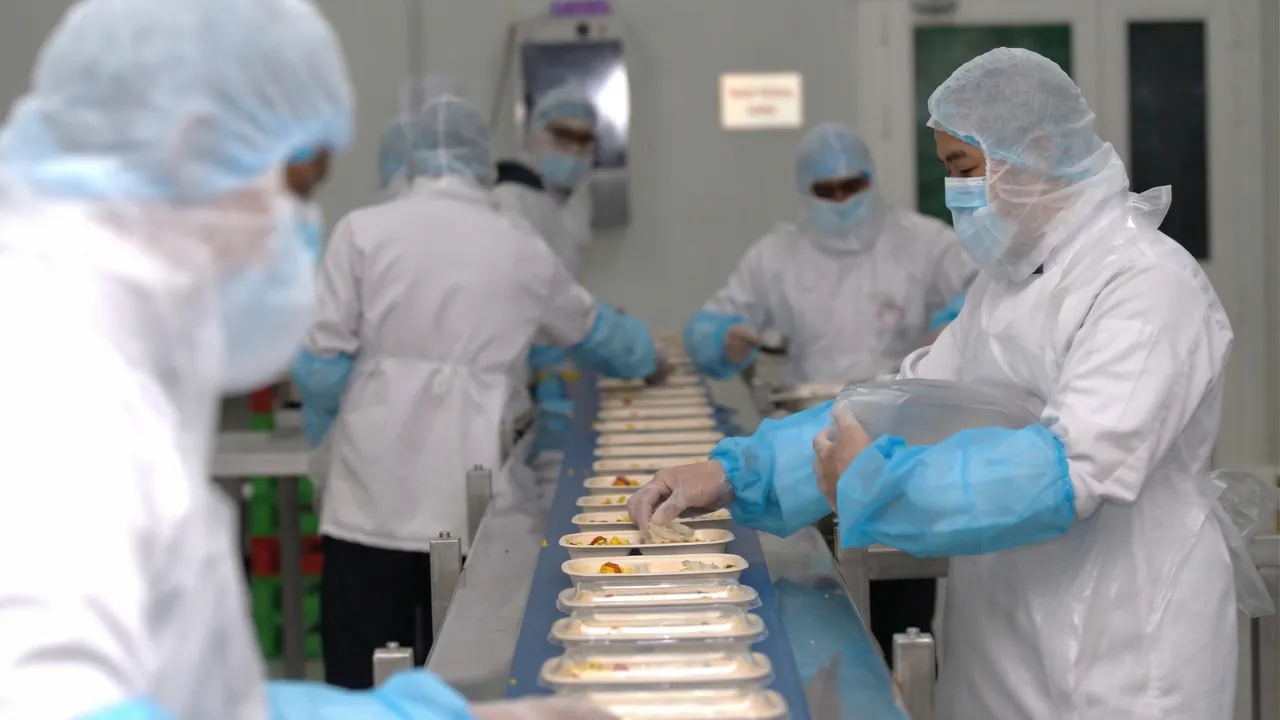
Proven in production
Hospital catering at enterprise scale
- 15M+ meals processed with Medulink
Reports
Prove every meal
What happened today, by meal, by diet and by person. The reports the hospital asks for, and the ones the operator runs on.
Operations
- Orders, completed orders and delivery success, by meal time and diet type
- Tray dispatch, delivery and collection rates, and the time each step took
- Full-day and partial-day patient coverage; isolation, companion and VIP meals
People
- Preparation, delivery and collection by staff member
- Who scanned which tray, and when
- Shift and station performance over time
Patients
- Ratings on taste, quality and service, by ward and by meal
- Complaints and remarks with the order they belong to
- Satisfaction trends, hospital by hospital
Any report, any date range, any fields: built on screen and downloaded.
For the operator
From the order to the claim
The operator feeds the hospital under a contract. The same orders that fed the patients count the meals, price them and back the claim.
- Order
- Label
- Track
- Report
- Claim
Meals by category
Patients, companions, staff on duty and employees, counted from the orders, not estimated.
Statements for the claim
A period's meals, priced by the contract, as the statement the hospital's finance team checks.
One statement per hospital
An operator with several hospitals gets each contract on its own, and the group as a whole.
Benchmarking across hospitals
Delivery times, collection rates and ratings, hospital against hospital and cluster against cluster.
One platform, two sides of the contract
What the hospital gets, and what the operator gets
The same orders, trays and scans serve both: the hospital sees its patients fed right, and the operator runs the kitchen that feeds them.
| Topic | The hospital | The catering operator |
|---|---|---|
| Ordering | From the ward, the app and the HIS | One queue with the patient's context |
| Safety | Menus follow the diet order and the allergies | Allergens and diets on every label and scan |
| Tracking | Which tray reached which bed, and when | Every tray, trolley and step, named and timed |
| Reports | Coverage, satisfaction and service by ward | Operations, staff and quality, day by day |
| Billing | A claim backed by the orders, meal by meal | Statements by contract and period |
| Integration | Admissions, diets and rooms, entered once | Printers, handhelds and screens on one system |
One contract, one source of truth, and no argument at the end of the month.
Integrations
Connected to the hospital
Medulink sits beside the hospital's systems and the kitchen's hardware.
HIS and ADT
Admissions, transfers, discharges, diet orders and room moves, synced.
CSV import
Guided import with templates and field mapping, until the integration.
Barcode printers
Patient ID cards and meal labels, printed from the queue.
Handheld scanners
The app for servers and the kitchen, scanning at every step.
Kitchen screens
Kitchen display computers at every station, live.
QR codes on the ward
The weekly menu, the survey and awareness material, a scan away.
Roles and permissions for every team, and an audit log of every action.

Get started
Live ward by ward, with our team
We connect the hospital, set up the kitchen and start on one ward. Then the rest follows.
- 1
Demo
One call
We show the platform with your wards, your diets and your kitchen's day.
- 2
Connect and set up
Weeks 1 to 3
HIS integration or the import file, diets and menus, labels, trolleys, addresses and workflows, hardware in the kitchen.
- 3
Pilot ward
Week 4
One ward orders, one trolley is scanned, the first reports come out, with our team on site.
- 4
Rollout
After the pilot
The other wards, then the other hospitals of the group or cluster.
Included: hardware guidance, training for the ward, the kitchen and the quality team, and support.
Book a demo