Industries · Restaurant Chains & Fine Dining
Bookings, table orders and loyal guests, on one platform
Medulink works beside your POS, your online store and the delivery apps, and adds what they leave out: reservations with deposits, ordering and payment at the table, loyalty, guest profiles, catering and meal plans.
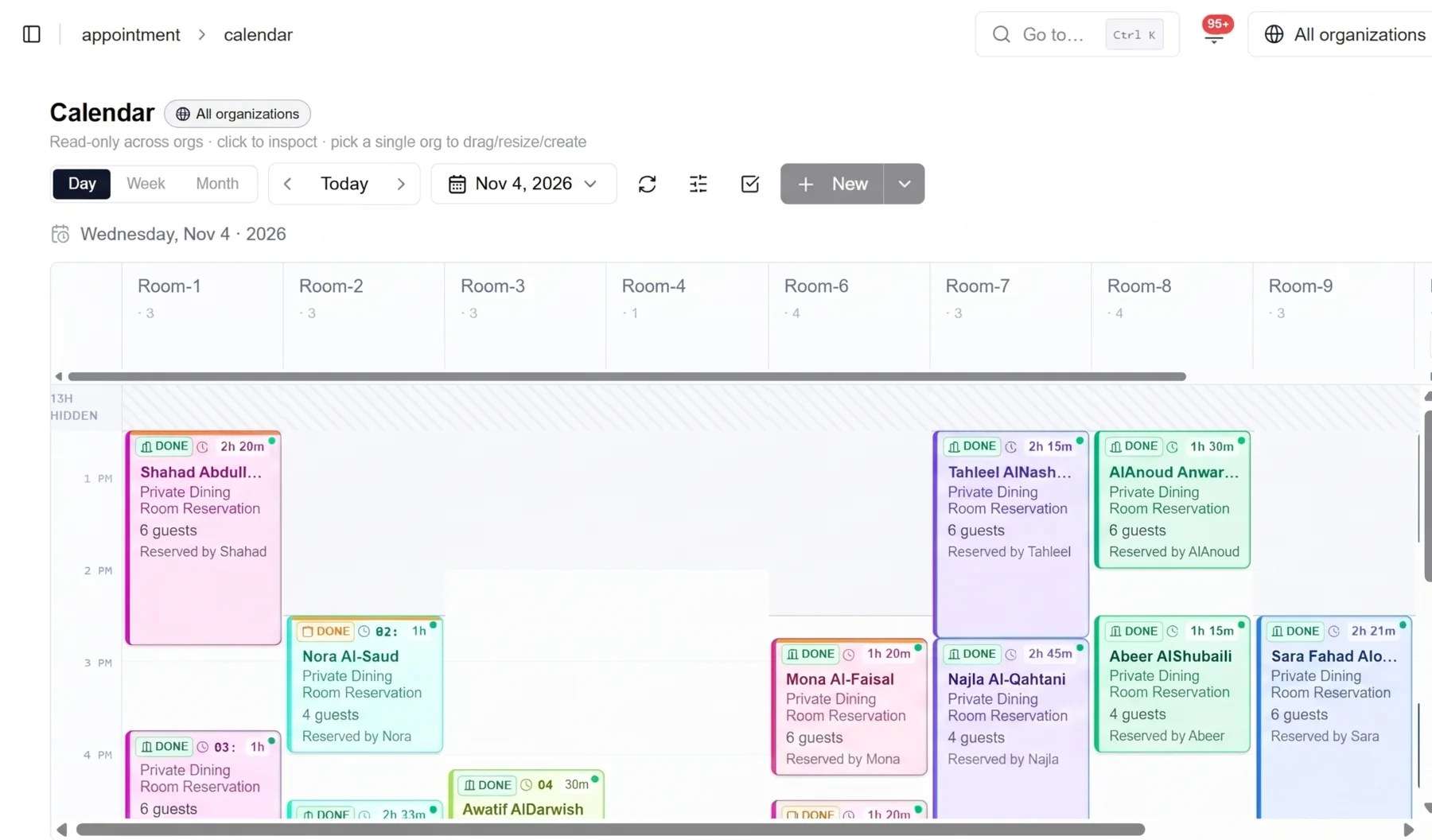
- Private room · 6 guests
- Confirmed
- Deposit paid
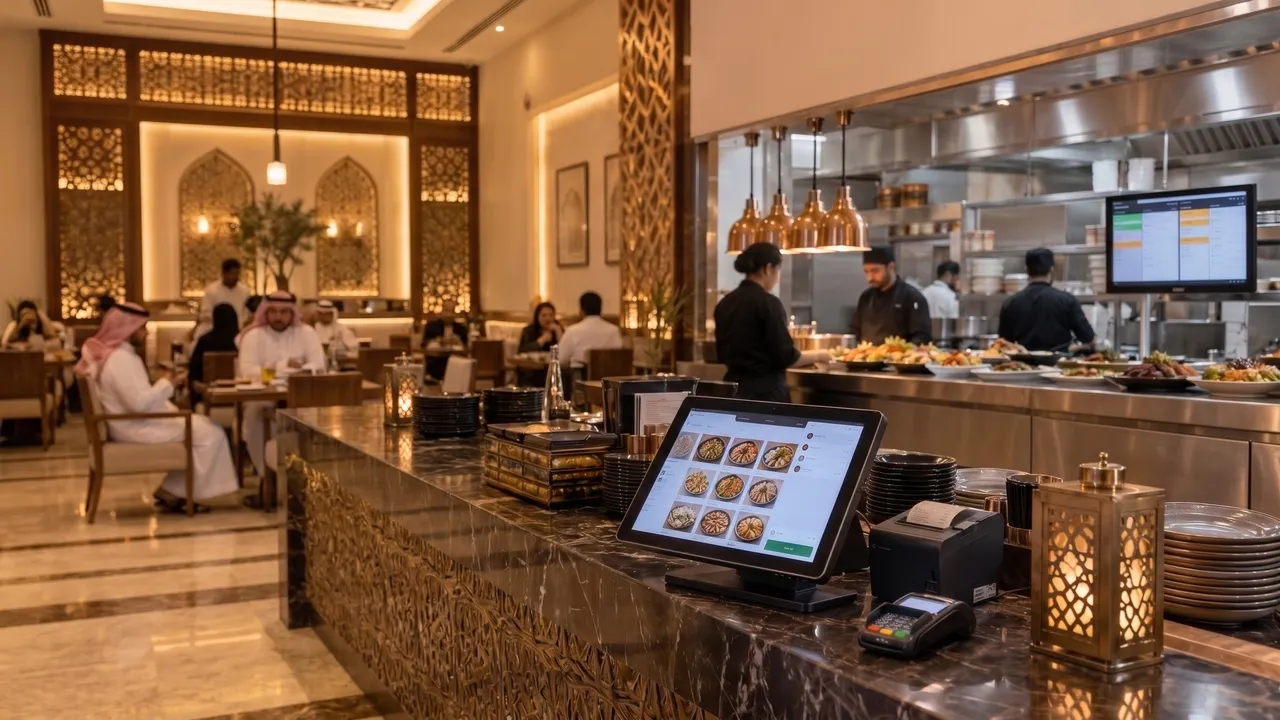
Restaurant chains and fine dining
Your systems, working as one
Keep the POS, the online store and the delivery apps you run today. Medulink joins them into one flow, from the first booking to the last bill.
One platform beside your systems
The layer your systems are missing
Your POS runs the counter, the delivery apps bring new guests, your online store takes orders. Medulink connects them and adds what is missing between them.
Reservations and deposits
Tables and private rooms, confirmed with a payment.
Order and pay at the table
A QR code, a menu that is always current, and payment from the guest's phone.
Loyalty and guest profiles
Points on every channel, and one profile for every guest.
Catering and meal plans
Event orders, guest subscriptions and daily meals for companies.
Menu planning
Dishes built from ingredients, planned by cycle, season and event.
What Medulink is not
- A new POS
- A new online store
- Another delivery app
Integrations
Connected to everything you already run
Medulink is one layer between your systems: orders, payments and guests move between them without anyone keying them in again.
POS
Orders, payments and tables in sync with the POS in every branch.
Delivery apps
Their orders in your order queue, and one menu sent to every app.
Website and app
Your online store and your app, with the same menu, prices and points.
CRM and call centre
Calls, orders and complaints on the guest's profile.
ERP and accounting
Sales, stock and e-invoices, sent to your finance systems.
Payment gateways
Cards and wallets for deposits, bills and subscriptions.
Every order, from every channel, reaches your POS and your kitchen once.

Before the visit
Tables and private rooms, confirmed with a deposit
Guests book in a minute and pay to confirm. Your team sees a confirmed booking, not a promise.
Book from anywhere
Your website, your app, a link in a message, or the call centre.
A table or a private room
Party size, seating area, occasion and notes, for each branch.
Pay to confirm
A deposit per booking or per guest, or the room's minimum spend.
Reminders and changes
A reminder before the visit; a change or a cancellation within your policy.
For the restaurant
Revenue confirmed before the guest arrives
The deposit follows the booking from the first tap to the final bill, and the rules are yours.
- Booked
- Deposit paid
- Confirmed
- Reminded
- Off the bill
Your rules
Deposit amounts by day, time, party size and room.
Refunds and no-shows
A refund or a no-show charge, by your cancellation policy.
Floor plan and waitlist
Tables, rooms and seating times live; the waitlist fills a free table.
Every branch
One booking diary for the chain, and each branch's own floor plan.
Reports
Guests, deposits, no-shows and revenue, by branch.
At the table
Scan, choose, order: no waiting for the menu
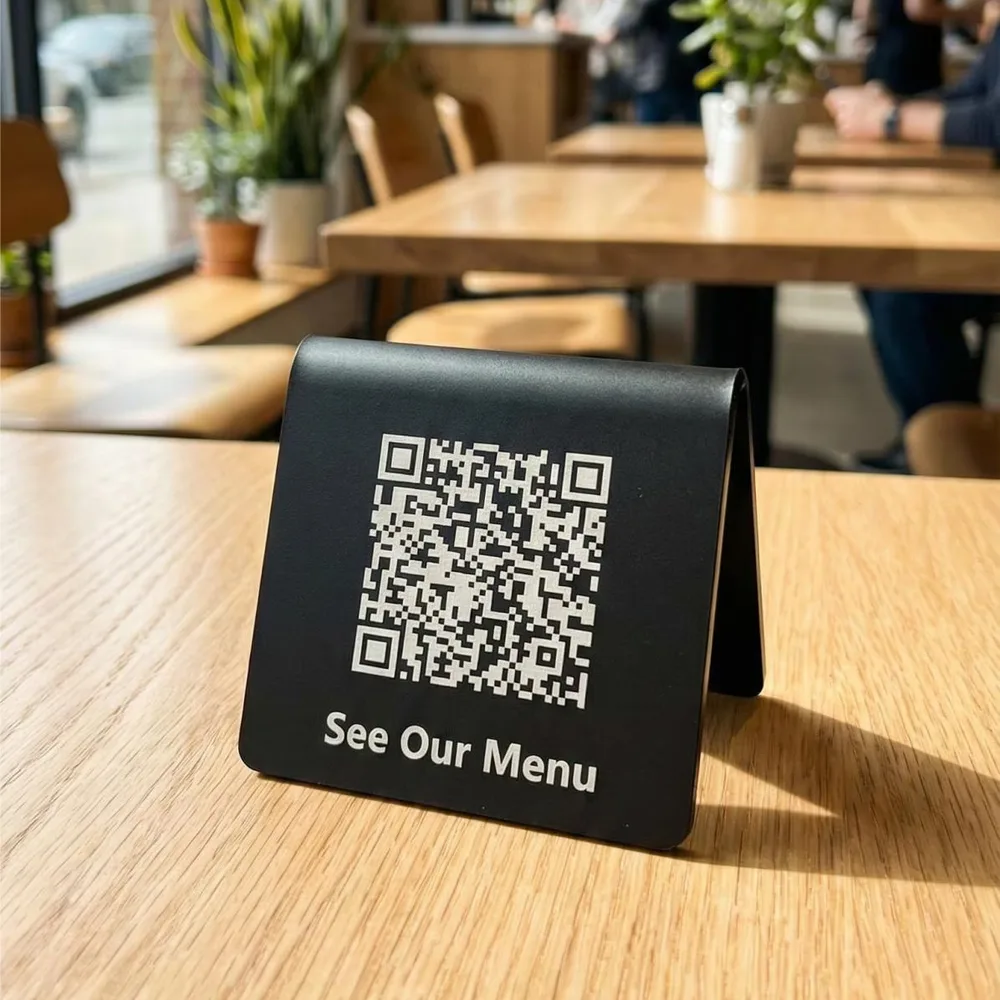
The guest scans the QR code on the table and orders at once, from a menu that is always current.
A menu that follows the day
By branch, time of day and stock: breakfast, lunch, Ramadan, and dishes sold out.
Photos, options and suggestions
Sizes, extras and dishes to go with them, so the average bill grows.
Calories and allergens
On every dish, in Arabic and English.
Straight to the kitchen
The order reaches the POS and the kitchen screen with its table number.
At the table
Pay at the table, in seconds
No waiting for the bill or the card machine, and the table is ready for the next guests sooner.
- Scan
- Bill
- Split
- Tip
- Pay
Split any way
By dish, equally or by an amount, each guest from their own phone.
Cards and wallets
Contactless payment from the guest's phone.
An e-invoice on the phone
A ZATCA e-invoice for every payment.
Matched in your POS
Each payment closes the right bill, with no matching by hand.
Tips and reports
Tips by staff member and payments by table, at the end of the shift.
At the table
From the table to the kitchen, and back to the guest
The same order runs the kitchen and the floor, and it leaves the guest's last impression.
In the kitchen
- Orders by station on the kitchen screen
- Each dish timed from the order to the pass
- Every order in the POS too
On the floor
- Call the waiter, ask for water or the bill
- Each table's status live: ordered, served, paid
- Requests sent to the section in charge
After the bill
- A rating of the food and the service
- Happy guests invited to write a public review
- A loyalty account in one tap
Every visit ends with something you can use: a rating, a review or a new member.
After the visit
Points on every channel, one balance
Guests earn and spend the same points in the restaurant, in your online store and through the call centre. Each brand of the group can run its own programme.
In the restaurant
At the POS and at the table, on every bill.
Website and app
Online orders earn the same points.
Call centre
Phone orders, matched to the guest by mobile number.
Catering and meal plans
Events and subscriptions count too.
Every branch and brand
One programme, or one for each brand.
One loyalty account
Points, tiers and rewards, the same everywhere.
The guest's points and tier
After the visit
One guest, one profile
Every call, order, booking and payment lands on the same profile, whatever channel it came from.
Day 1 · 1:10 pmA call-centre order
Lunch for two, delivered. The guest's number opens their profile.
Day 5 · 8:30 pmA booking with a deposit
A private room for eight on Friday, paid from a link.
Day 8 · 10:40 pmThe visit
Ordered and paid at the table; points added, five stars given.
Day 14 · 11:00 amA catering order
Lunch for 40 at the office, ordered from the website.
Day 21 · 6:00 pmAn offer that fits
Their favourite dish, on the night they usually come.
Every touchpoint on your own channels builds a profile that belongs to you, not to an app.
Beyond the dining room
Catering orders, from request to set-up
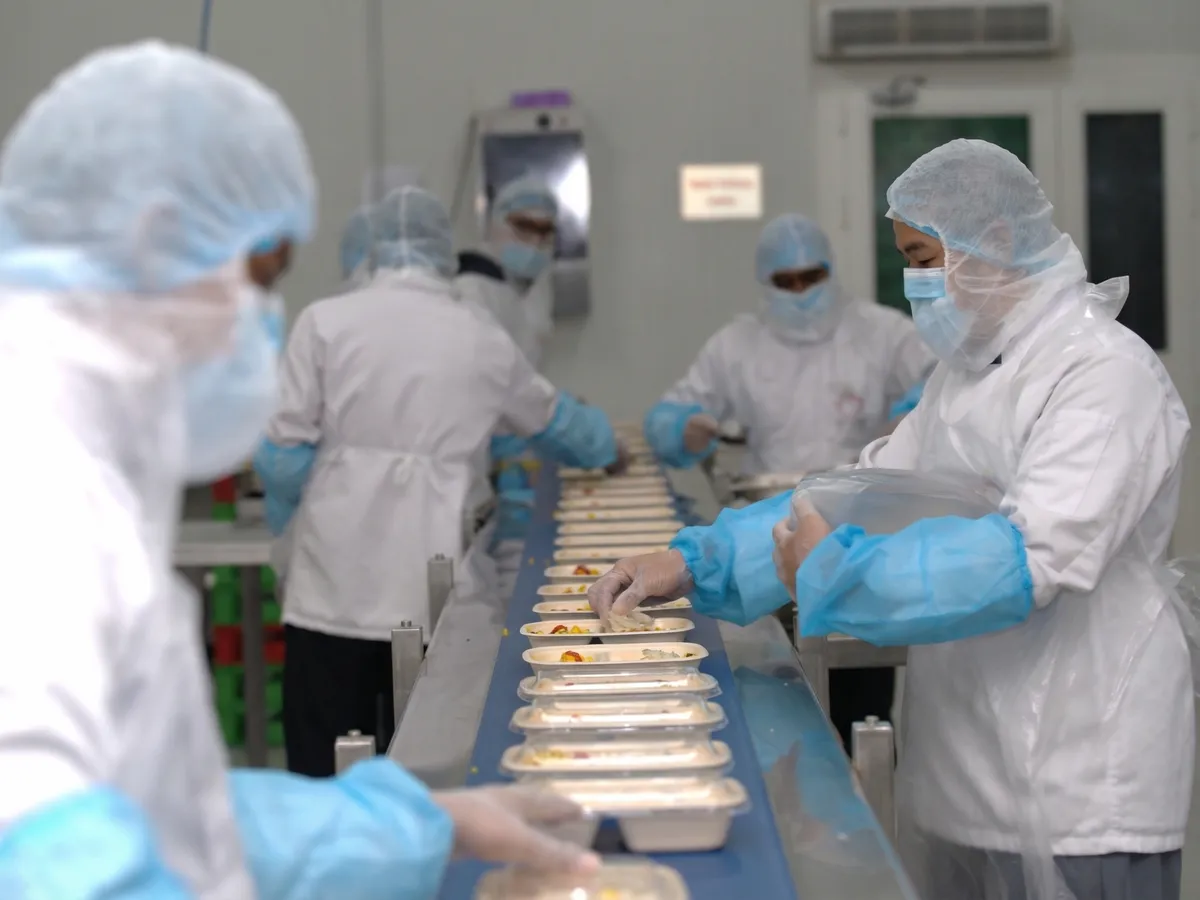
Events, meetings and gatherings, ordered online, priced and paid in advance, and planned with the kitchen.
Order online
Packages or a custom menu; the date, time, headcount and address.
Quote, approve, pay
A quote by link, approved by the customer and secured with a deposit.
Plan the kitchen
Quantities by dish, and the drivers and staff for the day.
Deliver and set up
On time, with a checklist for the set-up on site.
Beyond the dining room
Meal plans that fit every subscriber
Guests subscribe to your kitchen, and each one gets a menu that fits their goal, every day.
- Daily, weekly and monthly plansBreakfast, lunch and dinner, renewed automatically.
- A profile for each subscriberGoal, calories, allergies and dislikes, set once.
- PauseDays off and travel, from the subscriber's phone.
- Delivery timesEach meal to home or office, at the time they chose.
- GoalWeight loss
- Calories1600 a day
- AllergyShellfish
- DislikesMushrooms
Tomorrow's lunch
- Creamy pasta alfredo, Removed: Over the calorie limit
- Grilled salmon with quinoa, Recommended
- Shrimp stir-fry, Removed: Shellfish
- Mushroom risotto, Removed: Mushrooms
- Chicken shawarma bowl, On the menu
- Fried chicken burger, Removed: Not for weight loss
- Lentil soup, On the menu
- Lamb kabsa, Removed: Over the calorie limit
- Grilled halloumi salad, On the menu
Beyond the dining room
Daily meals for companies, from the same kitchen
Companies subscribe for their employees. Each employee chooses the day's meal, and the company gets one invoice.
| Topic | Guest meal plans | Employees' daily meals |
|---|---|---|
| Who pays | The guest, by card | The company, or shared with the employee |
| Who chooses | The subscriber, by their plan | Each employee, from the company's menu |
| The menu | Fitted to each profile | A daily menu within the company's allowance |
| Delivery | To home or office, at a chosen time | To each office, floor or site, before lunch |
| Billing | Renewed and charged automatically | One monthly invoice for each company |
| Reports | Meals, pauses and renewals | Meals by employee and department |
One kitchen, two lines of recurring revenue, and no spreadsheet between them.
Behind the menu
Build a dish once. Serve it on every menu.
Recipes start from ingredients, so every menu, label and channel knows the cost, the calories and the allergens.
From ingredients
Recipes from ingredients and portions: cost, calories and allergens for each dish, calculated.
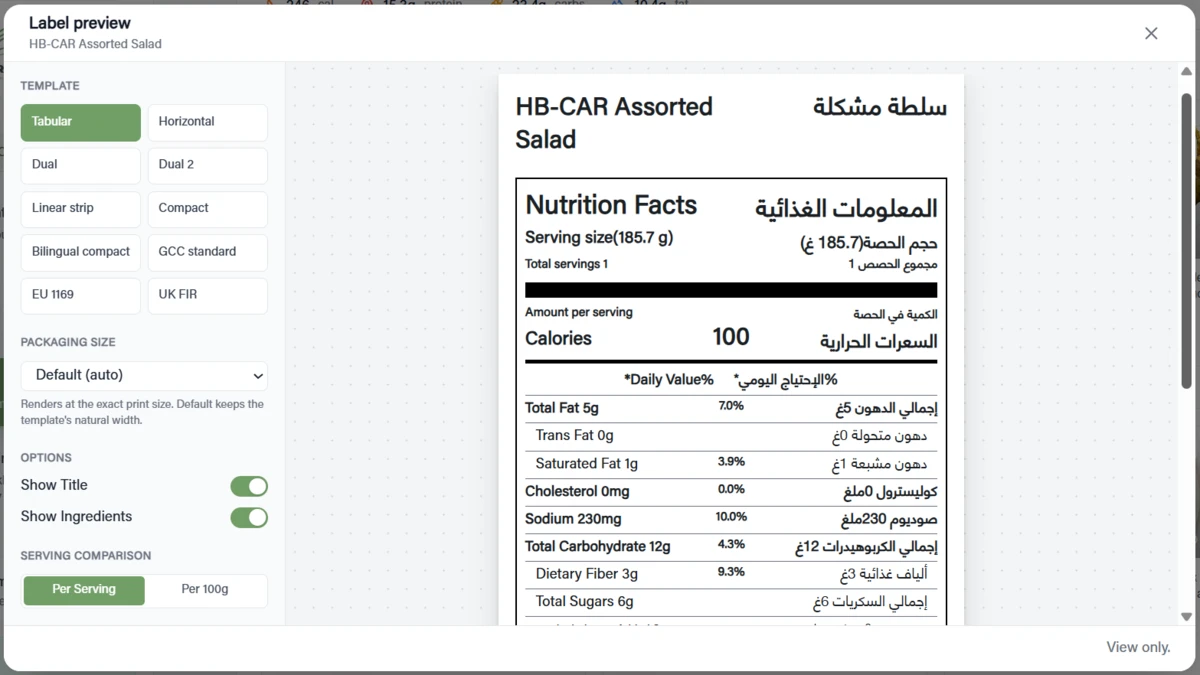
Nutrition labels
Nutrition facts in Arabic and English, on every menu, label and screen.
In cycles
Weekly cycle menus for subscriptions, companies and catering, from the same dishes.
For every season
Iftar and suhoor in Ramadan, National Day, Founding Day and Eid, dated by branch and channel.
Get started
Start with one branch
We connect your systems, start the first modules in one branch, and grow from there.
- 1
Demo
One call
We show the platform with your menu, your branches and your channels.
- 2
Connect and set up
Weeks 1 to 3
Your POS, delivery apps, payments and menu, connected and checked.
- 3
Pilot branch
Week 4
One branch goes live with the modules you choose first.
- 4
Rollout
After the pilot
The other branches, then the other brands of the group.
Included: setup, training for your managers and staff, and support in Arabic and English.
Book a demo